



Welcome
Hello and welcome to the homepage of Rikki Lloyd’s Family Butchers.
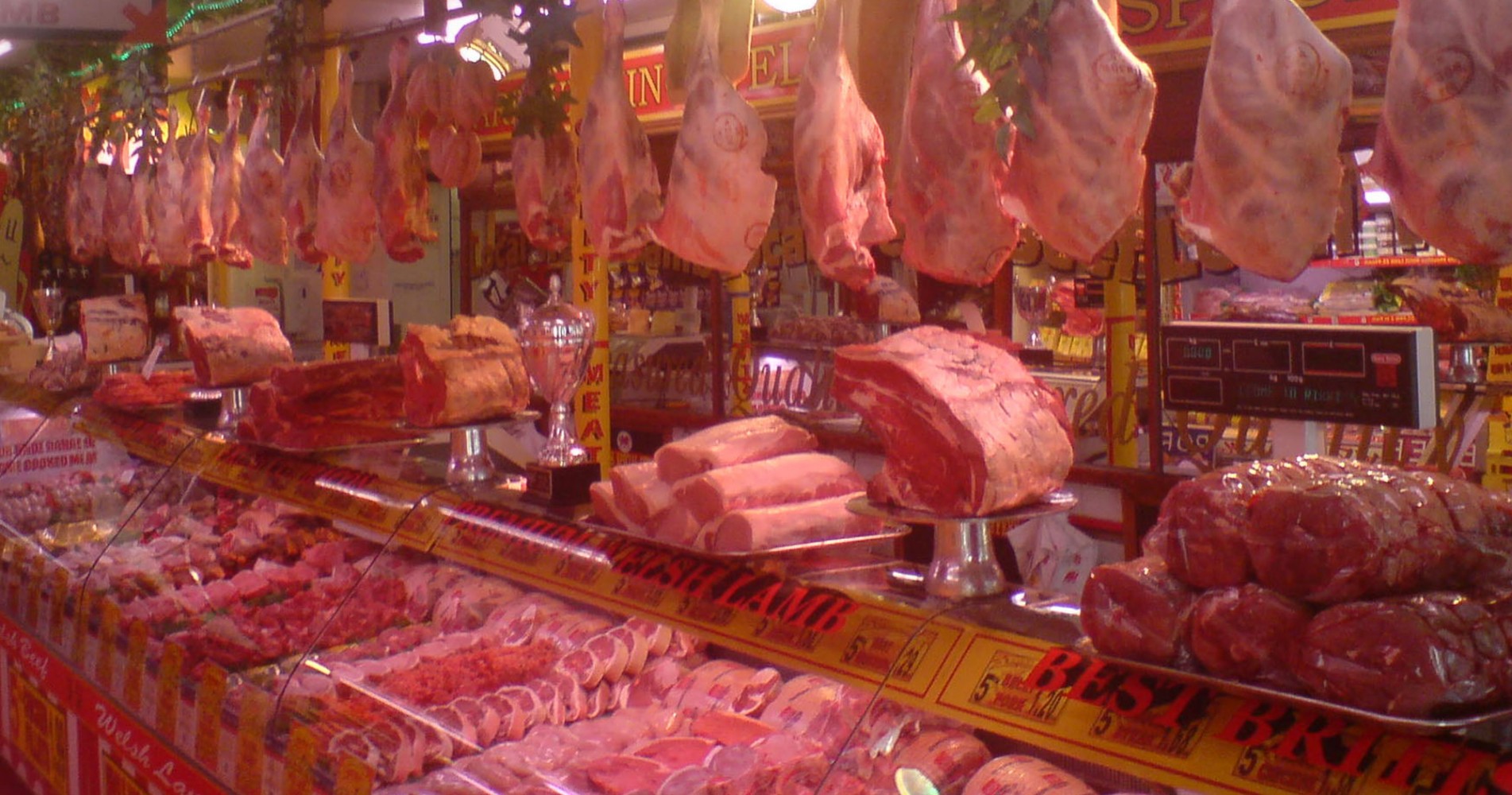
Here at Rikki Lloyd’s we pride ourselves on our ability to source only the finest quality of fresh and frozen products on a daily basis.
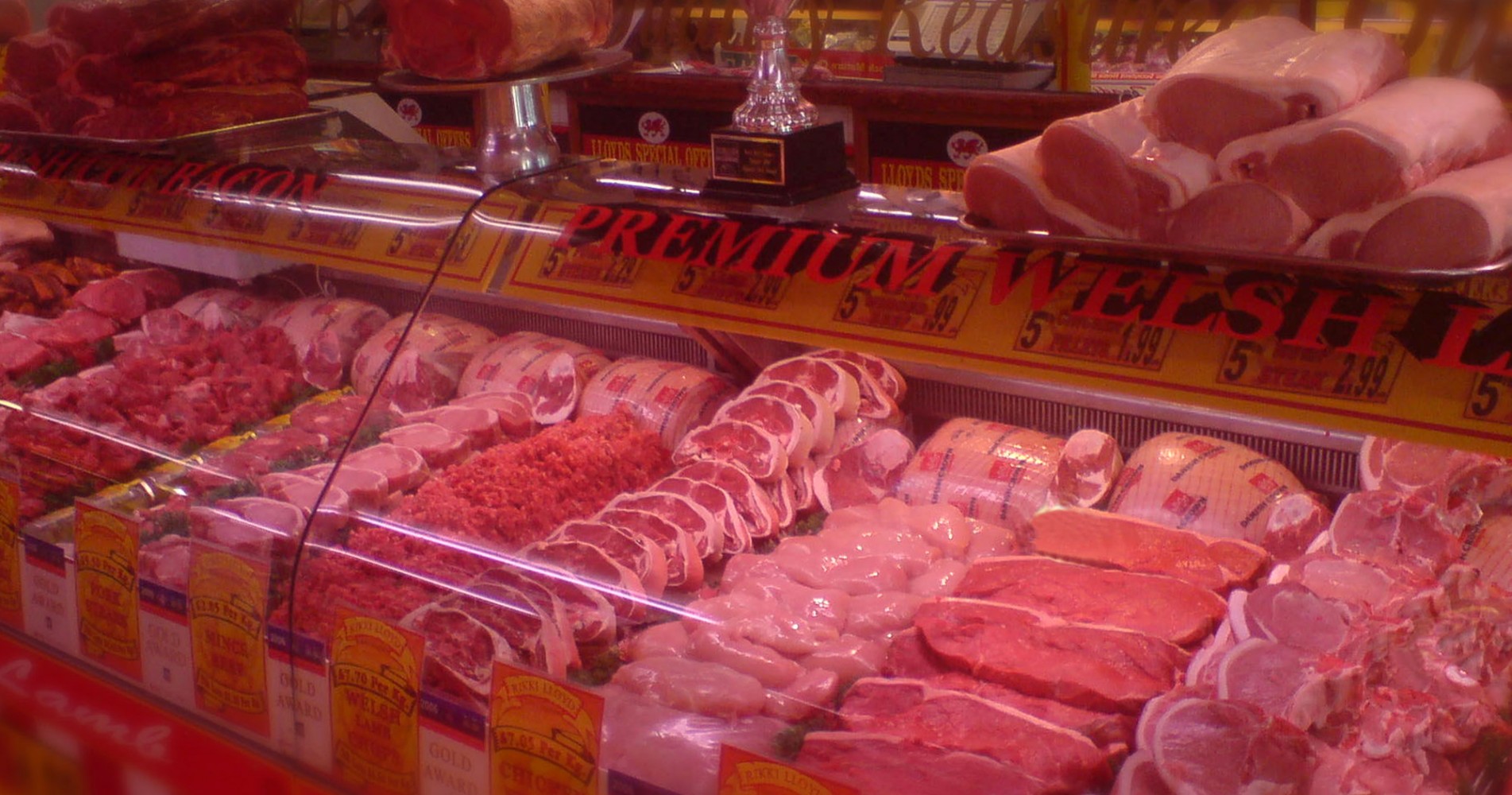
We go to exceptional lengths to ensure that our customers are 100% satisfied, 100% of the time. We do this by making sure that we purvey nothing but the highest standard in locally sourced Welsh Lamb, Welsh and British Beef, alongside Outdoor Reared British pork and Free Range British Chickens.
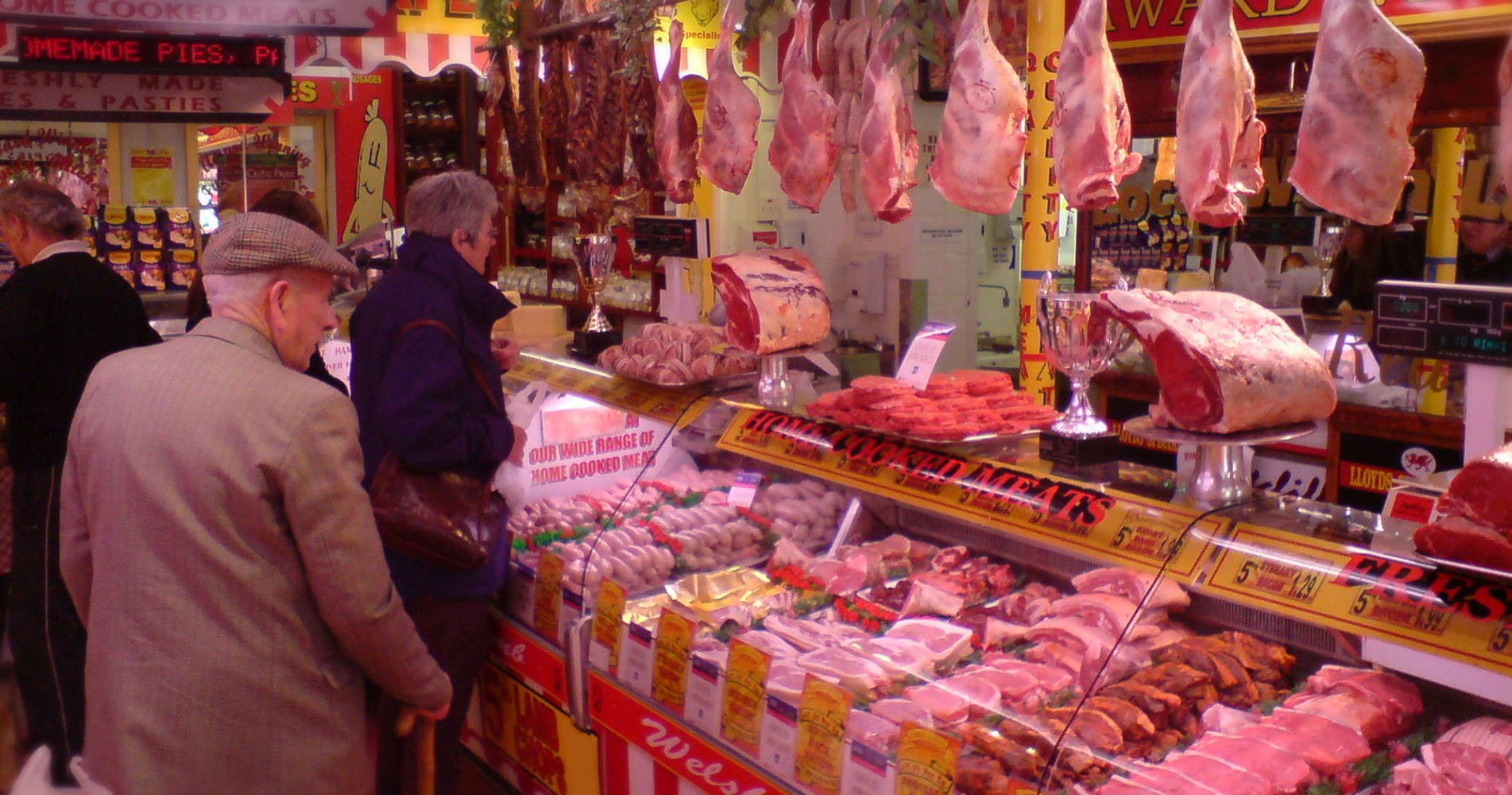
Our forte’s don’t stop with simply sourcing the exceptional meat, we’re also quite the dab hand’s at crafting things with it! We make all kinds of wonderful things, ranging from different varieties of Burgers and Sausages, to Cooked Meats and Cooked Pies. All of which are made here on site at our Welshpool store by our highly trained staff, ensuring ultimate quality that’s sure to set your taste buds tingling!
We are very experienced when it comes to supplying catering establishments. We supply a large amount of businesses ranging from Pubs, Bars and Restaurants, to Hotels and Nursing Homes. We offer a 24hour ordering service via answer machine or internet order, however if you wish to speak with any of our highly trained staff this is possible by calling us between the hours of 8:00am and 5:30pm. Once an order has been processed it will be dispatched the next working day, with frequent delivery services running around the local Welshpool are and even as far as the coast.
If you wish to place an order and you are unfortunately not within our delivery radius, this poses no problem as we offer a next day courier service to anywhere in mainland Britain! Deliveries come in an insulated polystyrene box chilled with ice sheets to ensure freshness. This service comes at a cost of £10 per order.
Thank you for reading, Happy Shopping.
Shop Online

Here at Rikki Lloyd’s we purvey only the finest quality of Welsh and British meats available to you at the click of a button. Simply select what you’d like, add it to your online basket and our team of highly trained butchers will prepare your order and have it delivered to your door by the next working day!
It really couldn’t be easier.
Buy OnlineHog Roast

We believe there’s no way of beating our Hog Roast for Providing the ultimate catering option for any gathering. Sure to be the center of attention at any buffet stand, the crispy golden crackling crowning our succulent and tender pork will certainly keep the masses happy at any kind of event, be it a wedding, birthday or special occasion.
However, we don’t simply stop at the pig, we go the whole hog (pardon the pun), we supply an amazing variety of side dishes to accompany the magnificent spectacle of the hog roast. These dishes vary from homemade coleslaw’s and rice’s to multiple salad dishes or hot parsley-buttered new potatoes. The list goes on so please feel free to browse at our extensive menu of dishes on offer.
All of this comes with the expert services of our highly trained serving team who promise to help make your event as smooth and hassle free as possible.
View PricelistLocal catering

We also specialise in supplying catering businesses, varying from Pubs, Bars and Restaurants, to Hotel’s Nursing Homes and Residential Homes, at very competitive prices. We deliver in a 40 mile radius of our shop in Welshpool, with frequent delivery routes running multiple times in a week, so you’ll never go without!
We supply these businesses with the finest quality of Local Welsh Lamb, Welsh and British Beef, along with British Free Range Chickens, and outdoor reared British Pork that tastes so good, it keeps their customers coming back for more.
View Pricelist